
Invite a User to Your Organization
An organization on printermon.com can have multiple members. Members share access to the same nodes, printers, and jobs. Each member signs in with their own printermon.com account and gets a role that controls what they can do.
Before you start
- You are the owner (or an admin) of the organization on printermon.com.
- The person you are inviting already has a printermon.com account, or is willing to create one with the email you invite.
- Your organization has a free seat. The default plan includes 1 user. To add more, see Add Additional Users.
Step 1. Open Account > Organization > Members
Members Tab
Sign in to printermon.com. Click your name in the top right, then My Account. Choose the Organization tab, then the Members sub-tab. You will see every current member, the owner, and an empty Add form at the bottom.
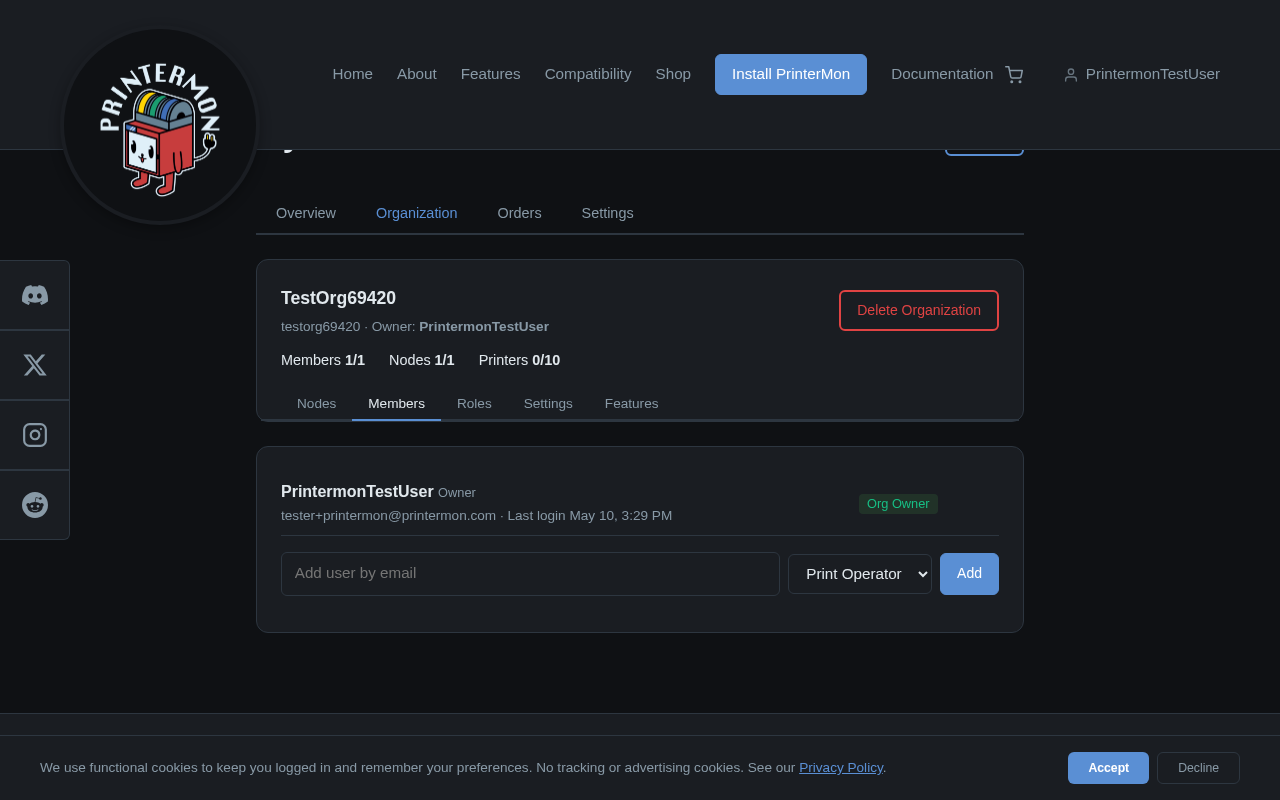
Step 2. Enter the email and pick a role
Email and Role
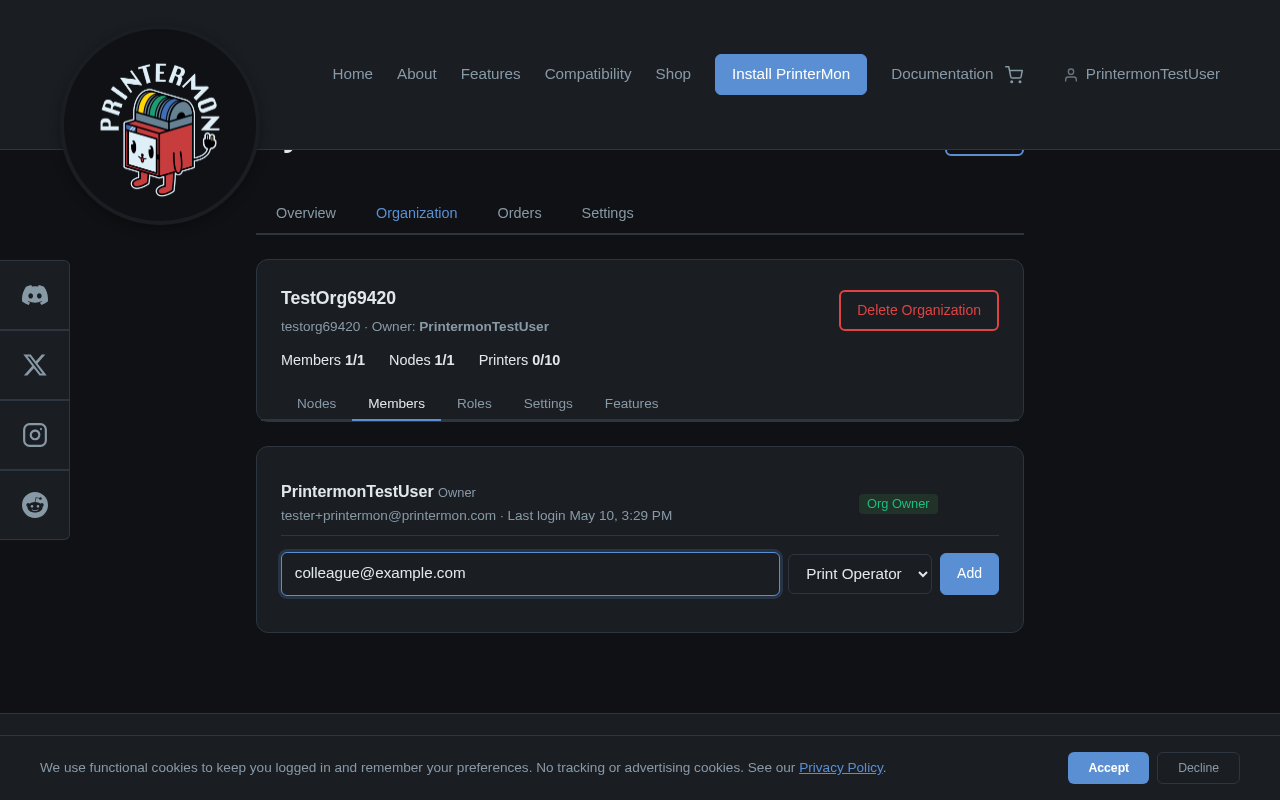
Type the email address of the person you want to invite. Choose a role from the dropdown. The default role is Print Operator. You can configure custom roles in Organization > Roles.
Step 3. Click Add
Click Add. The invitee receives an email with a link to accept. Until they accept, the row appears in the members list with an Invited badge. Once they accept, the badge clears and they become a regular member.
Roles at a glance
- Org Owner. Full control. One per organization. Cannot be changed via the dropdown; transfer ownership in Organization > Settings.
- Print Operator. Can start, pause, and cancel jobs. Cannot change billing or invite members.
- Custom roles. Defined under Organization > Roles. Each role has a per-permission allow / readonly / deny mapping.
Removing a member
Click the X icon on a member's row to remove them. They lose access immediately. Their printermon.com account is unaffected; only the link to your organization is severed.
Pending and stuck invites
If someone says they did not get the email, ask them to check spam. If the link is expired, remove the row and re-invite. Invitations time out after 14 days.